How Many Access Points Does Your Hotel Actually Need?
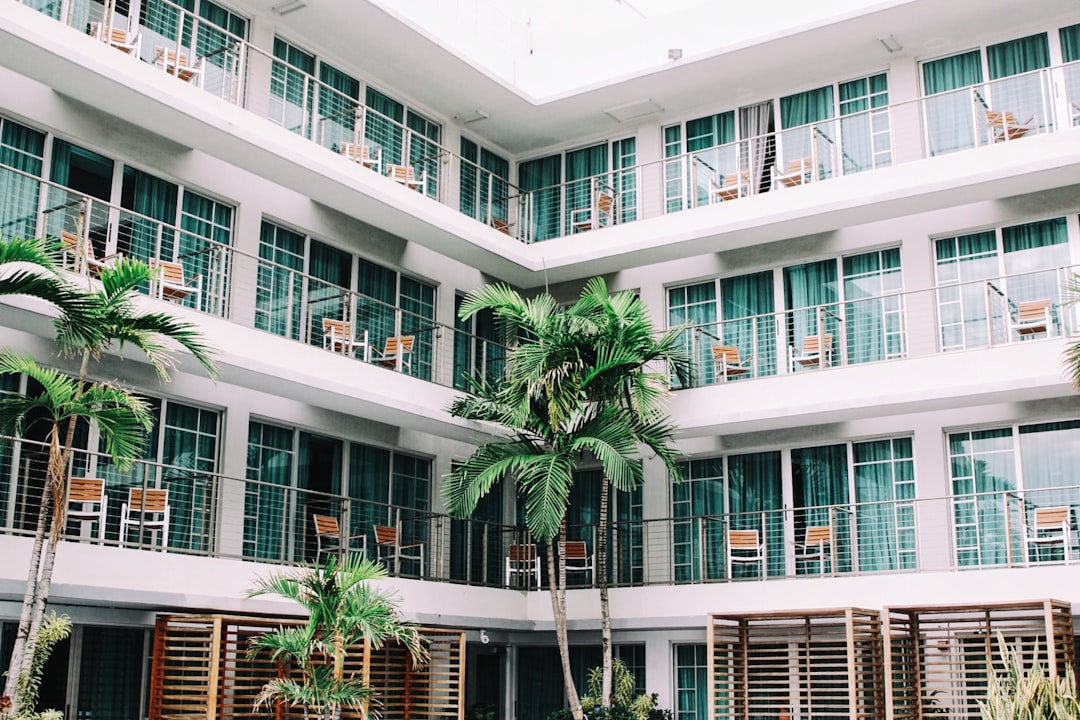
Every hotel GM or IT manager who has priced a Wi-Fi refresh has heard a vendor's quick answer to "how many access points do we need?" Take the square footage, divide by a coverage radius, round up, done. It produces a tidy number and a heat map that looks solid in the proposal — and a network that falls over the first weekend the property runs near full occupancy. A proper hotel access point calculation starts from a different question entirely. Not "where does the signal reach," but "how many devices need to talk to this access point at the same time, and what are they trying to do." Coverage tells you whether a phone can see a network. Capacity tells you whether that phone can actually use it when three hundred other guests are doing the same thing in the same wing of the building.
Why Coverage-Based Math Gets the Access Point Count Wrong
A single enterprise-grade access point can broadcast a perfectly usable signal across most of a guest floor. That is exactly the problem with sizing a hotel's Wi-Fi around signal strength alone: it answers a question nobody is actually asking. Guests don't get bad Wi-Fi because the signal is weak two walls over — they get bad Wi-Fi because too many devices are fighting for airtime on the one radio that does reach them. Purple's guide to hotel guest Wi-Fi architecture makes the same point from the vendor side: capacity, not signal strength, is usually the real constraint once a property has more than a handful of devices in any one space, and it suggests planning for roughly 25 to 50 concurrent users per access point in conference rooms and other high-traffic areas — a very different number from what a coverage map alone would tell you to buy.
The guest device count driving that constraint has also grown steadily. A 2020 survey of hotel guests and hoteliers by Hotel Internet Services found that 76% of guests attempted to connect more than one device to the in-room Wi-Fi, up roughly 10 percentage points from 2015. A hotel access point calculation built for the single-laptop traveler of a decade ago is sizing for a guest who no longer checks in.
The Four Inputs to an Actual Hotel Access Point Calculation
Once you stop asking "how far does the signal reach" and start asking "how much simultaneous demand does each access point need to absorb," the calculation has four real inputs.
1. Concurrent Devices Per Guest Room
Phones, laptops, a streaming stick plugged into the room TV, a smart watch, a tablet left charging — modern guests arrive with more radios than they used to carry alone. Guest Wi-Fi vendor Purple's own sizing guidance plans around roughly 3 to 4 connected devices per guest when modeling bandwidth and access point load, which lines up with the device-count growth documented above. Multiply that by realistic occupancy, not nameplate room count: a property running at 70-80% occupancy on a given night still needs headroom for its highest-demand rooms, not just its average one.
2. Building Construction and Signal Attenuation
The same access point count behaves very differently behind drywall than behind concrete or rebar. Purple's guide on hotel Wi-Fi performance flags concrete and steel-reinforced walls — common in exactly the kind of coastal and mid-rise hotel construction found across Romania — as a reason corridor-mounted access points often can't be trusted to reach into rooms at all, regardless of what a signal-strength survey from the hallway suggests. That pushes the calculation toward in-room or wall-plate access points rather than one unit serving several rooms down a corridor.
3. Common Areas and High-Density Zones
Ballrooms, conference floors, lobbies, and pool decks don't behave like guest rooms — they're where dozens or hundreds of devices associate to the same radio at once. Aruba's large public venue design guidance is a useful planning input here, even though it's written for stadiums and convention centers rather than hotels specifically: it treats a few hundred device associations per overhead radio as an upper planning limit before performance degrades, not a target to aim for. A hotel's event spaces should be sized against that kind of client-density ceiling, confirmed with an on-site survey, not against the same per-room formula used for guest floors.
4. Backhaul and PoE Budget
None of the above matters if the switch closet behind the access points can't keep up. We covered this in detail in our piece on high-density Wi-Fi for hospitality environments: adding access points without verifying switch port capacity, cabling category, and PoE budget just moves the bottleneck one hop back. A hotel access point calculation that stops at "how many radios" and never checks "how many of those radios the switch stack can actually power and backhaul" will still leave guests with a slow connection on launch day.
Does a Newer Wi-Fi Standard Change the Count?
Wi-Fi 6 and Wi-Fi 7 both improve how efficiently a single access point shares airtime among many connected devices — OFDMA-style scheduling lets one radio serve several clients in the same transmission instead of handling them one at a time. That raises the practical ceiling per access point somewhat, which is genuinely useful in a high-density ballroom. It does not remove the need to calculate device density, construction attenuation, and event-space concurrency for your specific property. As we found when weighing a full Wi-Fi 7 upgrade, a newer radio standard raises the ceiling on an access point that was already correctly placed and sized; it does not compensate for having too few access points in the first place.
A Worked Example: Sizing a Typical Guest Floor
Take a mid-scale property with 50 rooms on a floor, standard drywall partition walls between rooms, and concrete structural walls only at the stairwells and elevator core. Using the device-density guidance above (roughly 3-4 devices per occupied room) and the construction note (drywall supports reliable corridor coverage over short runs), a workable starting point is one well-placed corridor access point for every 2-3 rooms, rather than one per room or one for the entire corridor. If the same floor plan used reinforced concrete between every room — a layout more typical of some coastal resort construction — that same calculation shifts toward one access point closer to every room or every other room, because the construction input overrides the device-density input. Either way, the event floor downstairs gets sized separately against its own concurrent-user ceiling, not extrapolated from the guest-room number.
Common Mistakes That Skew the Calculation
- Treating every floor as identical: a top-floor suite wing with heavier device usage per room needs a different ratio than a standard double-queen floor, even in the same building.
- Sizing event space off the guest-room formula: a ballroom at a fraction of its concurrent-user ceiling will feel fine during a site survey and collapse during a 300-person conference.
- Buying a newer Wi-Fi standard instead of the right access point count: a faster radio standard doesn't fix a property that simply doesn't have enough access points absorbing the device load.
- Skipping the switch and PoE check: the right number of access points still fails if the backhaul behind them wasn't part of the same calculation.
"The right question was never how far the signal reaches. It's how many devices each access point has to carry, and what the wall behind it is made of."
A Partner for Getting the Number Right
A hotel access point calculation done properly isn't a formula you can run from a floor plan PDF alone — it combines guest device density, construction type, event-space concurrency, and the switching behind every radio into one number that's specific to your property. Getting it wrong in either direction is expensive: too few access points means guest complaints and bad reviews; too many means capital spent on hardware and PoE capacity the property didn't need.
A structured site survey through our network infrastructure consulting services gives you an access point count based on how your property's guests actually use Wi-Fi today, not a generic rule of thumb. If you're planning a Wi-Fi refresh or a new build and want a precise answer instead of a square-footage estimate, get in touch with our team for a capacity-based assessment of your property.